
How to Quickly Navigate Tableau Documentation via URL Tricks

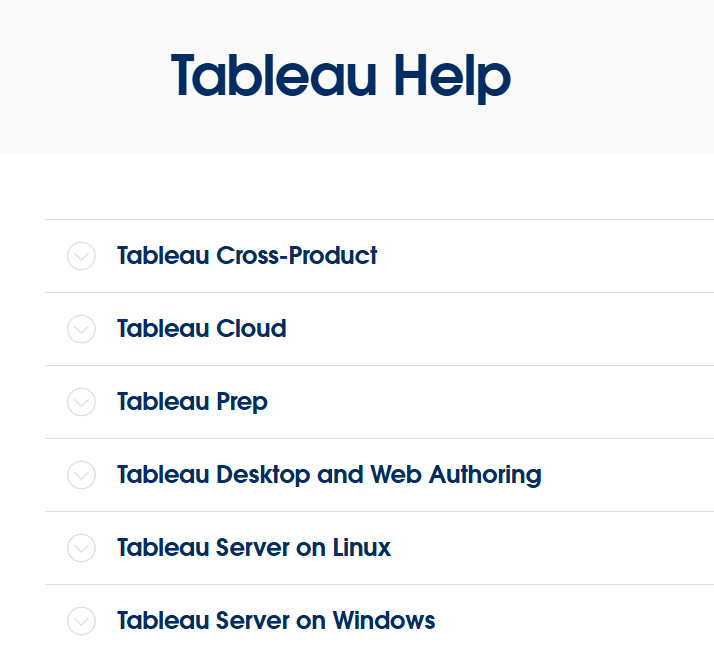
Instead of clicking through complex navigation menus, you can quickly jump to specific Tableau Help pages by directly editing segments in your browser’s URL bar.
Tableau Help URLs follow a standard hierarchy:
https://help.tableau.com/[VERSION]/[PRODUCT_OR_OS]/[LANGUAGE]/[PAGE_NAME].htm
1. Switching OS Environments
To switch from the Windows Server guide to the Linux Server equivalent, replace server with server-linux in the URL path.
- Windows Server:
https://help.tableau.com/current/server/en-us/install.htm - Linux Server:
https://help.tableau.com/current/server-linux/en-us/install.htm
2. Switching Languages
To view localized documentation, change the language code en-us to ko-kr (or another locale). Revert ko-kr back to en-us whenever you need to check the original source text.
- English:
https://help.tableau.com/current/server/en-us/install.htm - Korean:
https://help.tableau.com/current/server/ko-kr/install.htm
💡
Note on Legacy Version URLs
Replacing
Replacing
current with legacy version tags like v2020.2 no longer works. Following Tableau's End-of-Life (EOL) policy, unsupported version directories have been removed from the server.Understanding these URL segments allows you to locate administrative references in seconds.