
Tableau Prep Guide

In data analysis projects, it is often said that Data Preparation accounts for 80% of the total time spent. While transforming raw data into an analysis-ready format is essential, it is also a repetitive and time-consuming task.
In this post, we will introduce Tableau Prep, a tool that revolutionizes the data preparation process with an intuitive Drag & Drop interface, eliminating the need for complex coding.
What is Tableau Prep?
Tableau Prep is a Visual Data Preparation tool designed to help you Combine, Shape, and Clean your data before analysis.
It replaces complex Excel functions or SQL queries with a visual interface, empowering not only data experts but also business users to handle data with ease.
Tableau Prep can be used in two ways depending on your environment:
- Tableau Prep Builder: A desktop application installed on your PC for building data flows.
- Web Authoring: Available since version 2020.4, this feature allows you to create and edit flows directly in your browser (Server/Cloud) without any installation.
Key Features and Benefits
Here are the powerful features that Tableau Prep offers:
1. Intuitive Visual Flow
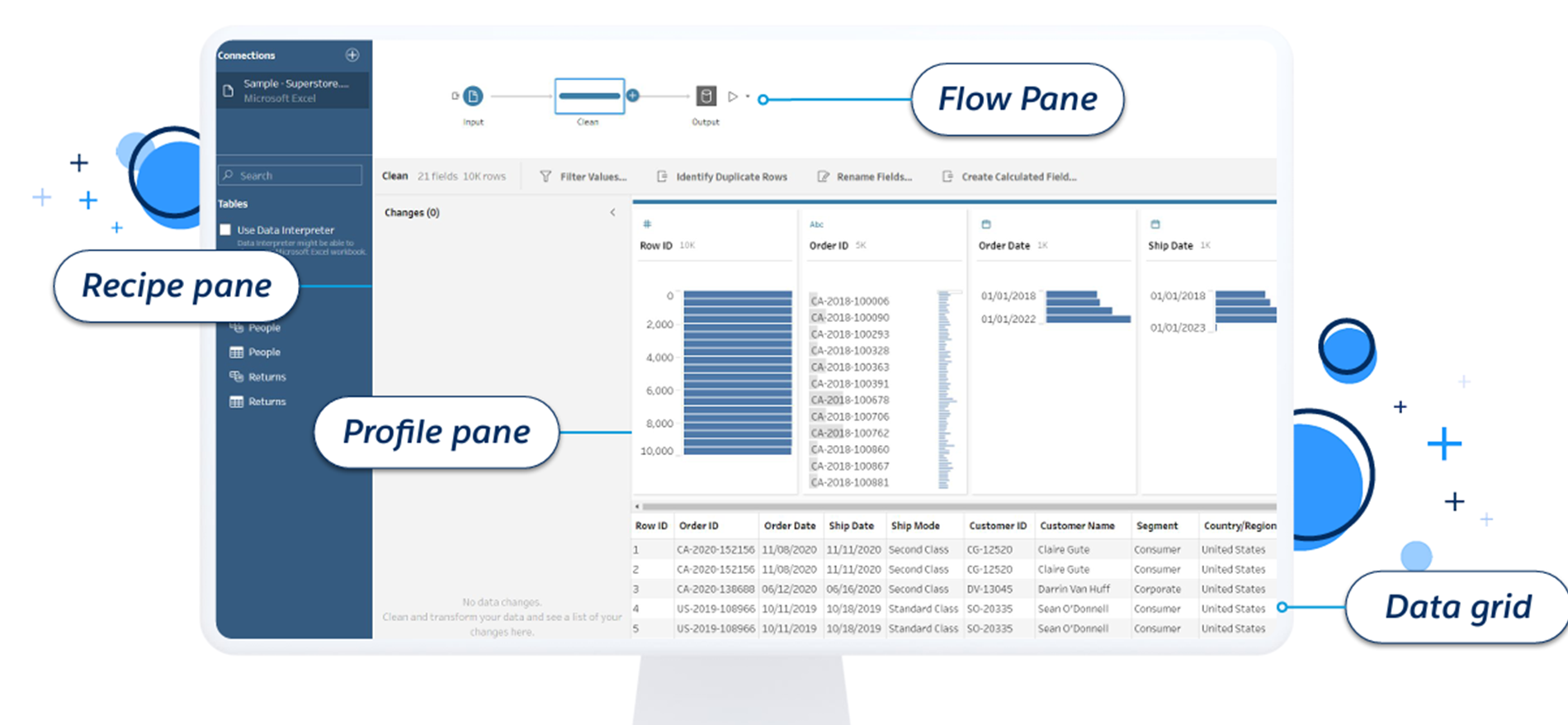
You can see how your data is connected and transformed at a glance through a flowchart-style interface. Immediate feedback is provided at every step, allowing you to understand the entire Data Lineage and quickly identify and fix errors.
2. Smart Cleaning Operations
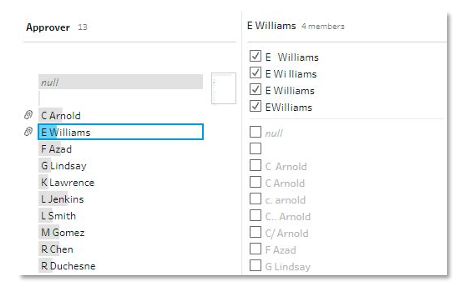
Tableau Prep provides various features to clean messy data with just a few clicks.
- Group and Replace: Algorithms automatically identify and group values that share common characters or have similar pronunciation (Phonetic), merging them into a single standard value (e.g., unifying 'Seoul', 'Seoul.', and 'seoul').
- Data Roles: Automatically validates data quality. For instance, if you assign a 'URL' or 'Email' role to a field, invalid entries are instantly flagged for filtering or correction.
3. Flexible Data Shaping (Shape & Combine)
You can freely restructure your data to fit your analytical needs.
- Pivot: Easily convert wide data (many columns) into tall data (many rows)—or vice versa—just like in Excel, but more intuitively.
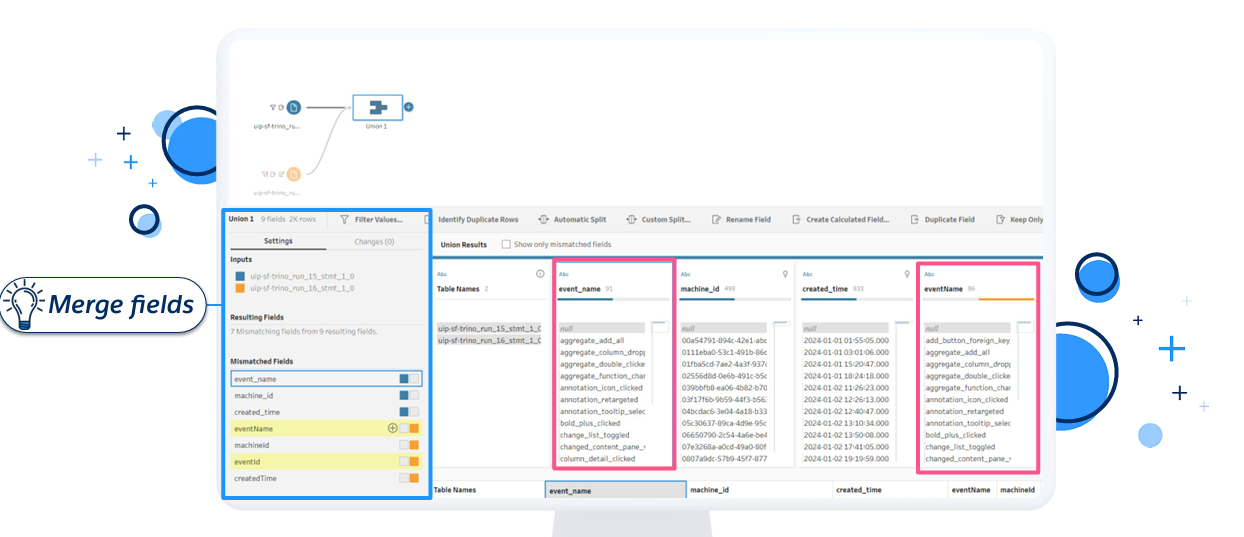
- Join & Union: Merging data from different sources side-by-side (Join) or stacking fragmented files, such as monthly reports, vertically (Union) is incredibly simple.
4. Advanced Analytics & Automation Support
- Script Support: You can run R or Python scripts within your data flow to apply advanced statistical analysis or machine learning models.
- Tableau Prep Conductor: Publish your data flows to Tableau Server or Cloud and schedule them to run automatically, ensuring your analysis is always based on the freshest data.
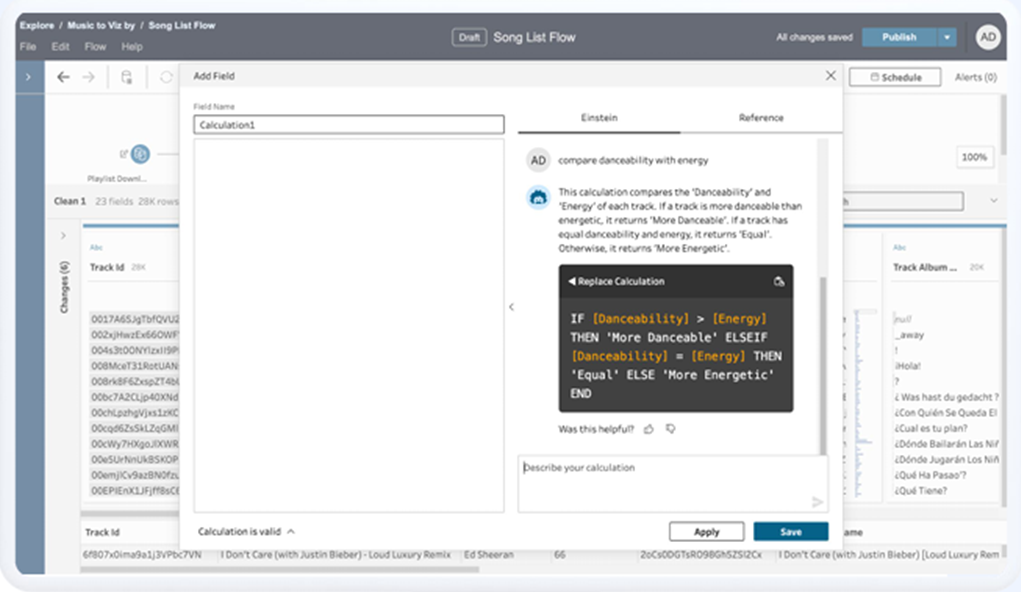
5. AI-Powered Efficiency (Einstein Copilot)
The latest version of Tableau Prep integrates Einstein Copilot, an AI technology. Features such as generating calculation fields using Natural Language requests are being continuously added to lower the technical barrier for data preparation.
Conclusion
Tableau Prep is more than just a data cleaning utility; it is a solution that ensures the quality of your entire analysis from the very first step. If you want to move away from manual Excel work and drastically reduce your data preparation time, we highly recommend considering Tableau Prep.