
Formatting Axis and Tooltip Independently in Tableau

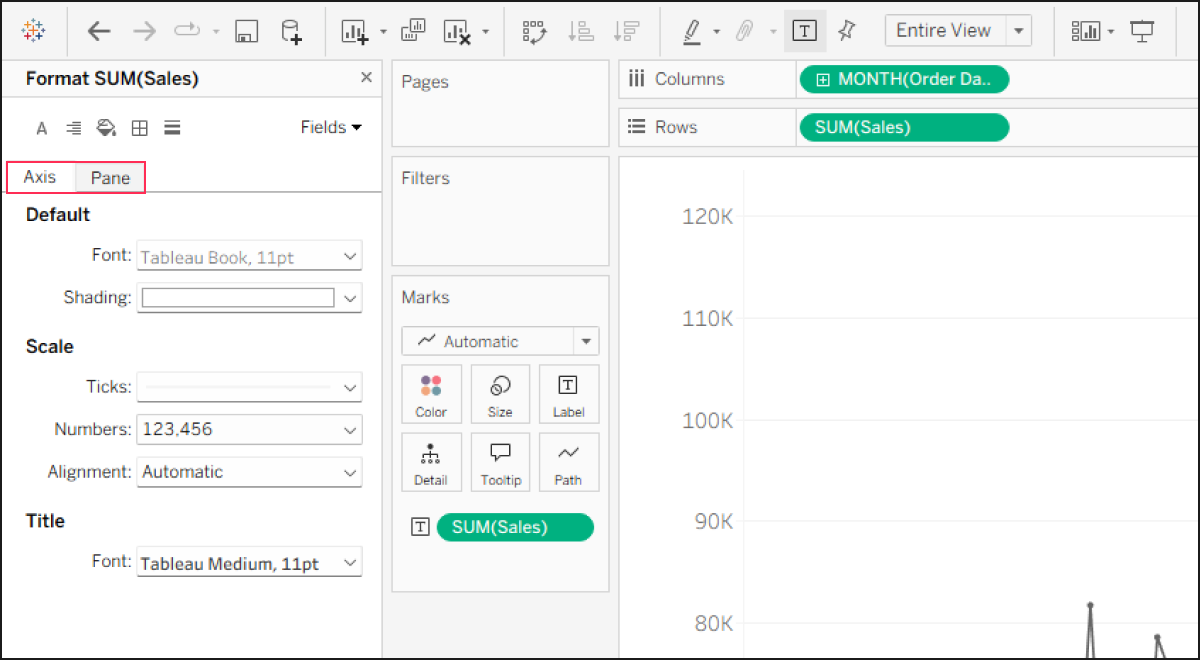
When building charts in Tableau, you often want the axis labels to display abbreviated numbers (e.g., 10K, 20M) while the tooltip shows precise values (e.g., 10,245). However, even if you set different number formats for the Axis and the Pane, the tooltip natively inherits the axis formatting by default.
This occurs because Tableau binds the formatting of a single pill to both the axis and the tooltip simultaneously. Since there is no built-in way to separate them, this has become one of the most highly voted feature requests on the Tableau Community Ideas forum under Separate axis and tooltip formats.
Until this feature is natively supported, the only workaround is to duplicate the measure specifically for the tooltip. You can format the axis in the view with abbreviated units, and then format the duplicated field in the Marks card (via Default Properties) to display the exact detailed numbers. Finally, open the Tooltip editor and replace the original measure with this duplicated field.