
Can Claude Admins See Your Chats? Team and Enterprise Explained

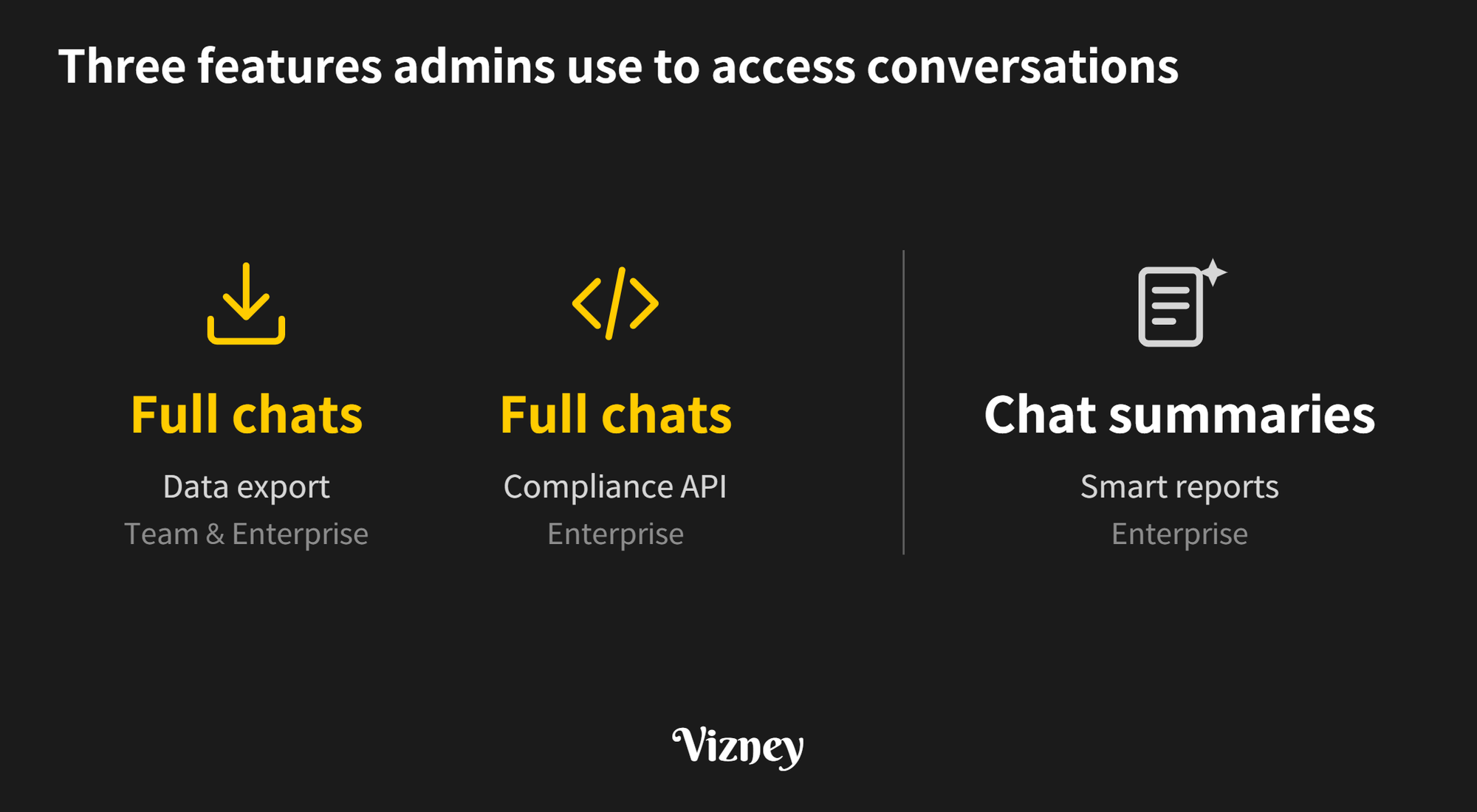
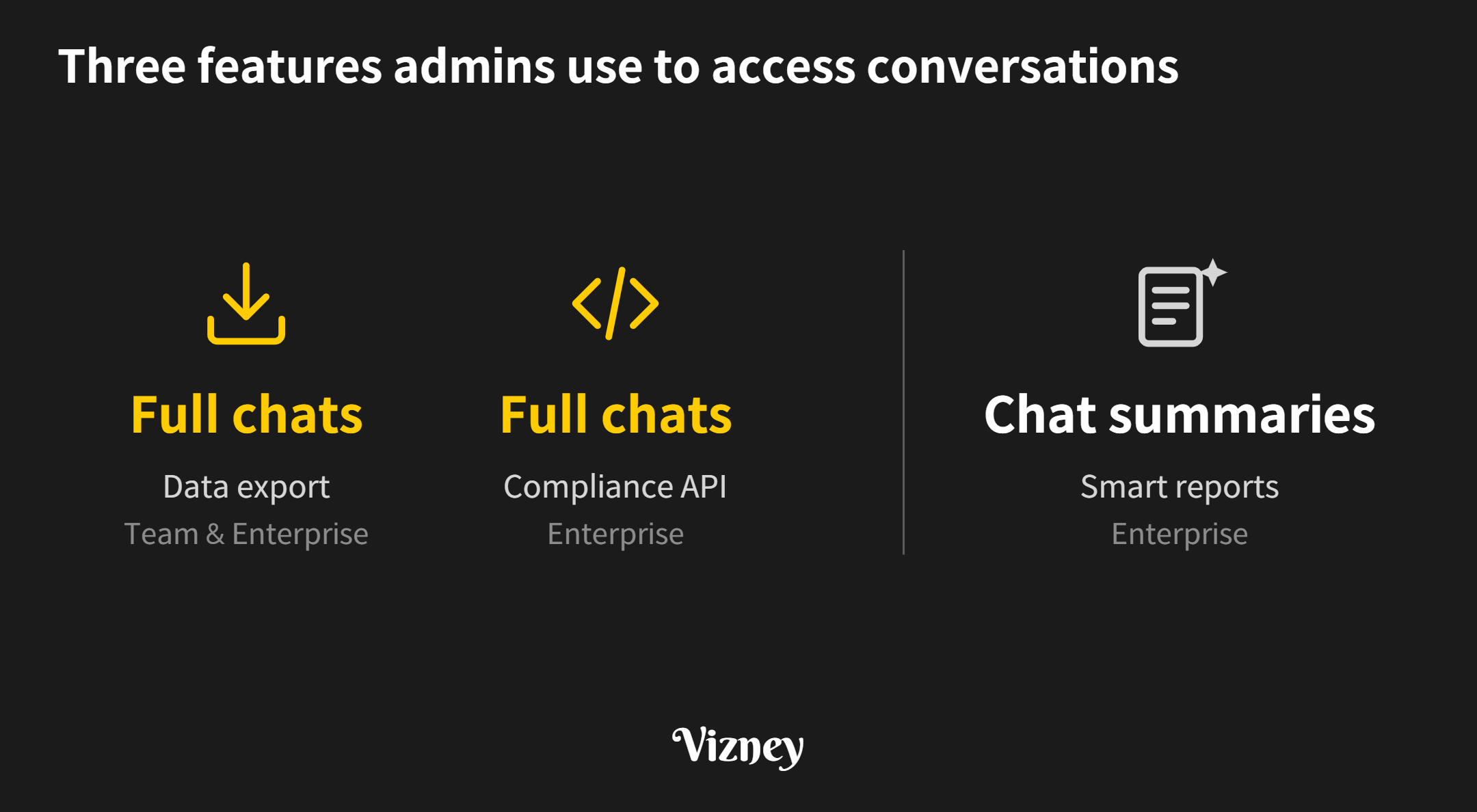
If your company uses Claude on a Team or Enterprise plan, your work account and its conversations are managed by your organization's Primary Owner. Admins can access conversation content through three features: organization data export, the Compliance API, and Smart reports, which became generally available in October 2026. Data export and the Compliance API return the conversations themselves. Smart reports summarize a sample of chats by workflow and hide who wrote them by default. Team plans include data export; the Compliance API and Smart reports are Enterprise features.
1. Can admins read members' full conversations?
Yes. Both features that return full conversations have to be requested or enabled by the Primary Owner, the top role in the organization. Claude's help center states that the Primary Owner manages your work account and all associated data. That includes the ability to request data exports, which may contain your conversations, uploaded files, and usage patterns.
- Data export: Available only to Primary Owners on Team and Enterprise plans. A request from Organization settings → Data and privacy → "Export Data" sends an email with a download link to the organization's conversation and user data. The link expires 24 hours after delivery.
- Compliance API: On Enterprise plans, the Primary Owner turns on the Compliance API under Organization settings → API, and Primary Owners and Owners create Compliance Access Keys. A key with the
read:compliance_user_datascope can read every chat, file, project, and session transcript in the linked organizations, and the chat list returns each author's user ID and email. It also covers Cowork sessions, Claude Code sessions run on the user's machine, and Claude in Chrome sessions. Since October 15, 2026, the API also returns members' saved "Instructions for Claude" and Cowork "Global instructions" (beta). - Audit logs: On Enterprise plans, Owners and Primary Owners can export the last 180 days of logs from Organization settings → Data and privacy → "Export logs". The logs cover events such as chat creation, chat deletion, and file uploads. Chat and project titles and content are excluded; only their unique IDs are exported.
The documentation describes the Compliance API as a tool for eDiscovery, data loss prevention (DLP), and account-deletion requests. The same API can permanently delete chats, files, and projects through the delete:compliance_user_data scope, and deleted content cannot be recovered. Issuing separate keys for reading and deleting is the safer setup.
2. How do Smart reports analyze conversations?
Smart reports became generally available on Enterprise plans on October 28, 2026. An admin chooses a team, a time range of up to the last 28 days, and products (chat, Claude Code, Cowork). Claude then reads a sample of transcripts in that scope and groups them by workflow and output type. Each session in a report shows a one-paragraph summary, the product used, the date, and the output type.
- Who enables and who views: Smart reports are off by default. A Primary Owner or Owner turns on "Smart reports" under Organization settings → Capabilities → Analytics. Primary Owners, Owners, Admins, and custom roles with Analytics view access can create and view reports.
- Attribution: "Allow attribution to individual users" is off by default, so every drilldown shows "User" instead of a name and hides session IDs. When it is on, viewers can reveal names and session IDs inside the report, and each reveal is logged.
- Sensitive topics: Sessions involving the topics below are used only for aggregate analysis and get no session summary. Custom questions on these topics are blocked, and both safeguards are always on and cannot be turned off.
- Protected characteristics such as race, religion, gender identity, age, or disability
- Health
- Union activity
- Harassment, whistleblowing, or legal matters
- Political or religious views
- Personal life, such as family or finances
- Sentiment about people
- Where it is unavailable: Organizations that use customer-managed encryption keys (CMEK), a HIPAA configuration, or a hybrid deployment cannot use Smart reports. If Claude Code runs under Zero Data Retention (ZDR), reports cover only chat and Cowork.
The help center states that Smart reports are not designed for, and should not be used for, evaluating individual performance or making employment decisions. It also notes that reports are more useful when scoped to a functional team rather than the whole organization. The sensitive-topic safeguards apply only to Smart reports; conversations retrieved through data export or the Compliance API are not filtered this way.
3. Do deleted chats still show up?
When a member deletes a chat on claude.ai, its message content, attached files, tool-generated files, and artifacts are deleted with it. The Compliance API still lists the chat with a deleted_at timestamp but returns its messages without content. Data exports started after the deletion do not include it. Audit logs record a conversation_deleted event.
On Enterprise plans, a Primary Owner or Owner sets the retention period. Without a custom period, data is retained indefinitely. The minimum period is 30 days, and chats permanently deleted after the retention window cannot be retrieved, even through the Compliance API. Session transcripts from Cowork and Claude Code are stored for six years by default.
It is safer to treat anything entered in a company Claude account as data the organization can export and query. Admins should decide which of these features to enable and which roles can view the results, write that into the company's AI usage policy, and make that scope visible to members.
Note:
This post is based on Claude's help center and Compliance API documentation as of November 2026 and may change with future updates. Some Compliance API features, such as retrieving user instructions, are in beta.