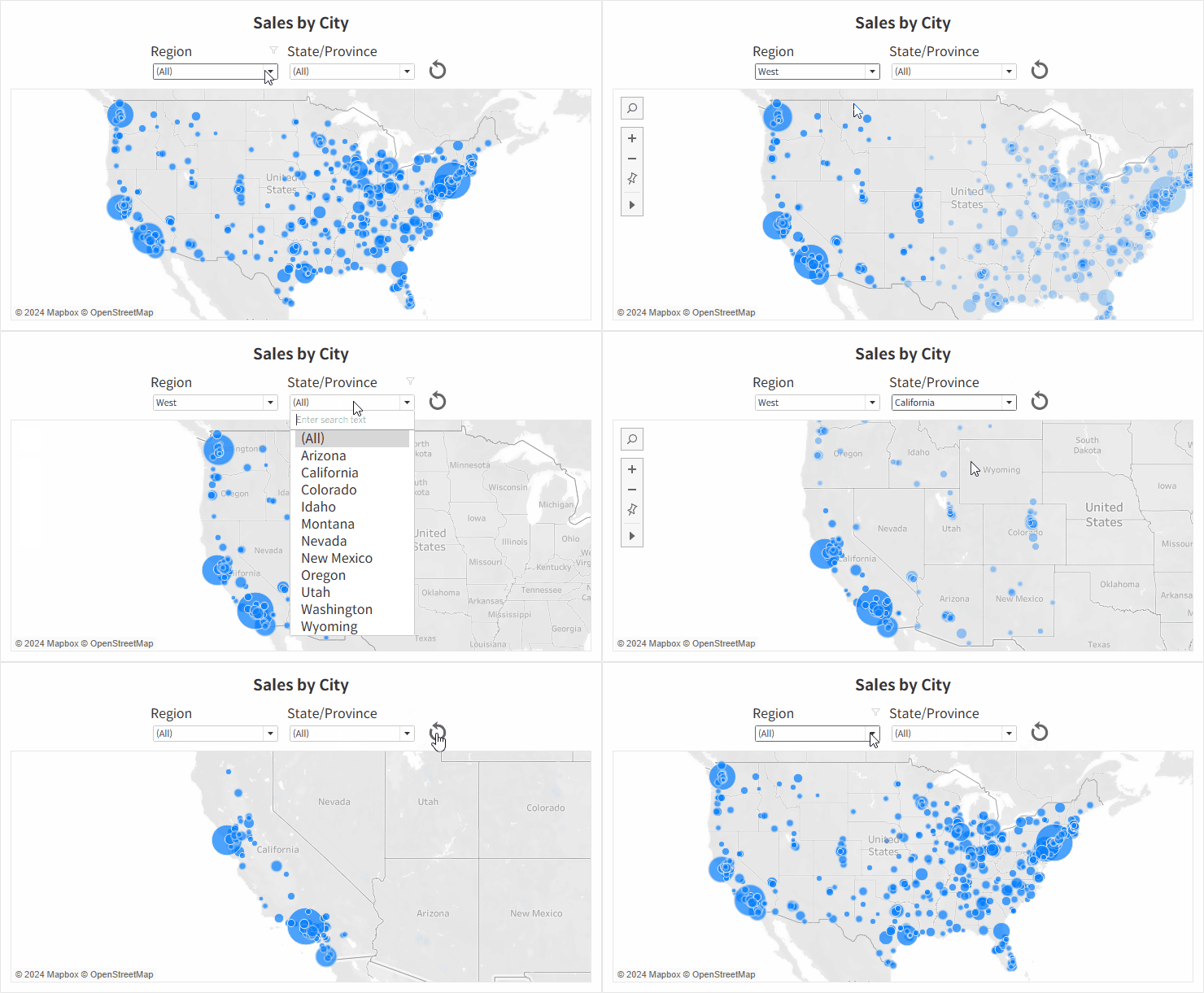
Tips & Tricks How to Create Filter Reset Button in Tableau When building dashboards with multiple filters, it’s often helpful to include a "Reset" button that allows users to quickly return all filters to their default settings with a single click.
Tips & Tricks Multi-Select Parameters in Tableau Here’s a method to enable multi-select functionality for parameters in Tableau, which by default only support single selection.
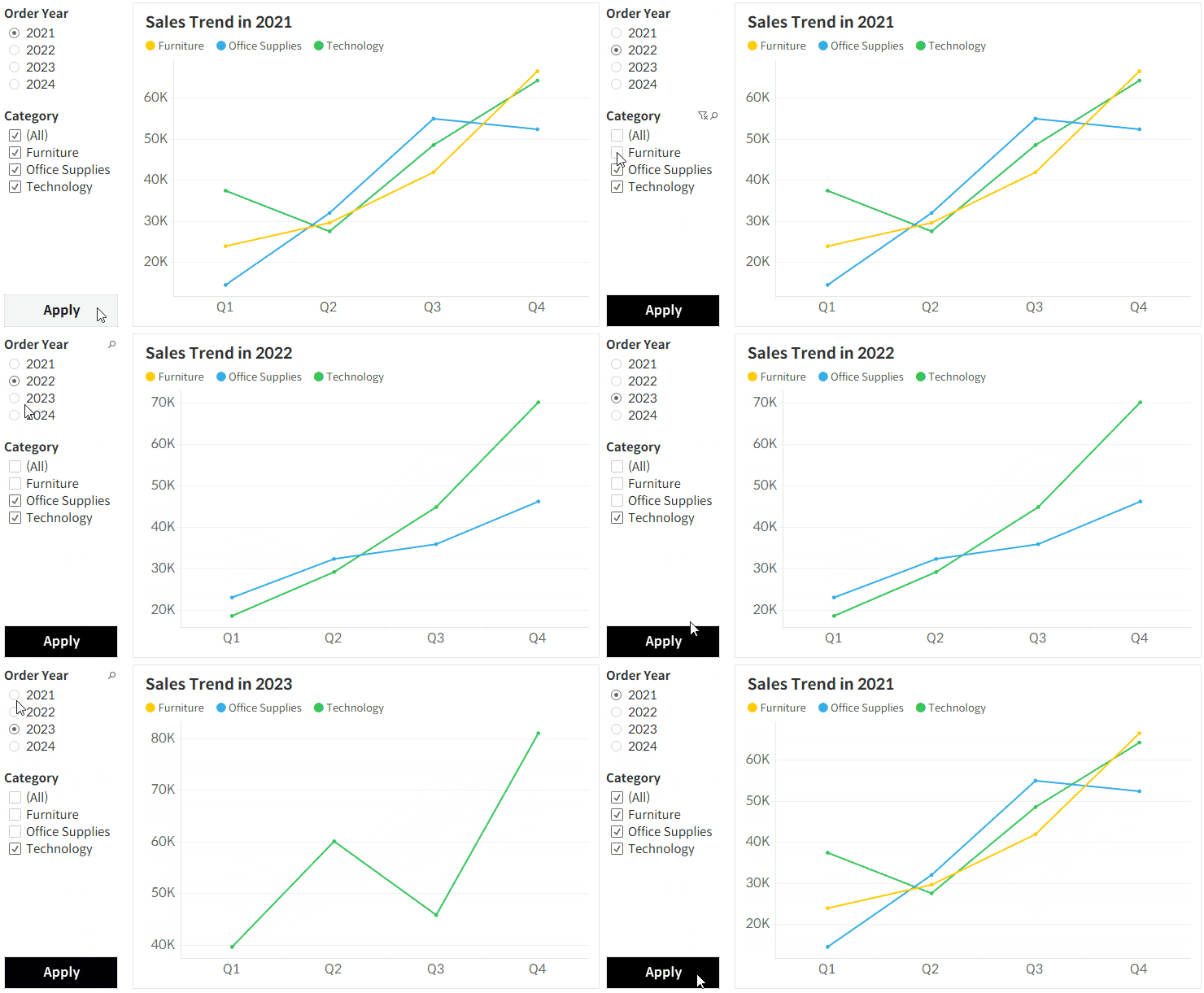
Members only Tips & Tricks How to Create Apply Button in Tableau In this post, I'll show you how to create an Apply button in Tableau to improve performance and user experience by preventing the dashboard from re-rendering every time a filter is changed.
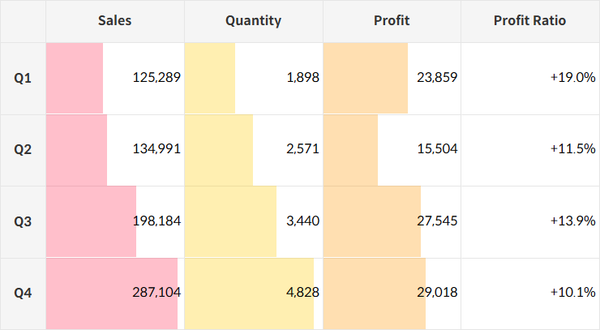
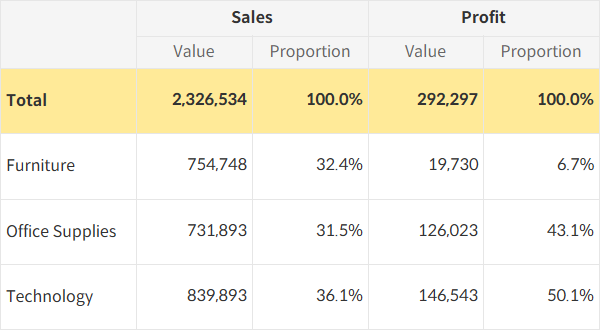
Tips & Tricks How to Embed Bar Charts in a Tableau Table Here’s a way to enhance the effectiveness of grid charts that typically display data in text form by adding bar charts directly into the table.
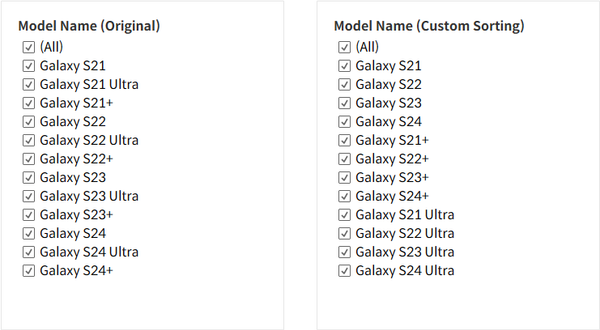
Tips & Tricks How to Specify Sort Order of Items in Tableau Quick Filters Here’s a way to apply a custom sorting logic to a quick filter, beyond the default options of data source order, alphabetical order, and manual sorting.
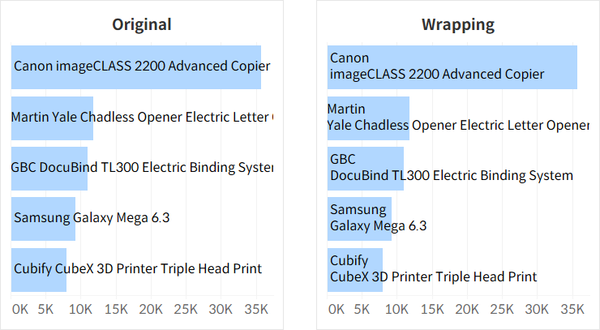
Tips & Tricks How to Wrap Text in Tableau By default, text in Tableau wraps based on available space and word breaks. However, if you want to control where the text breaks manually, here's how to do it.
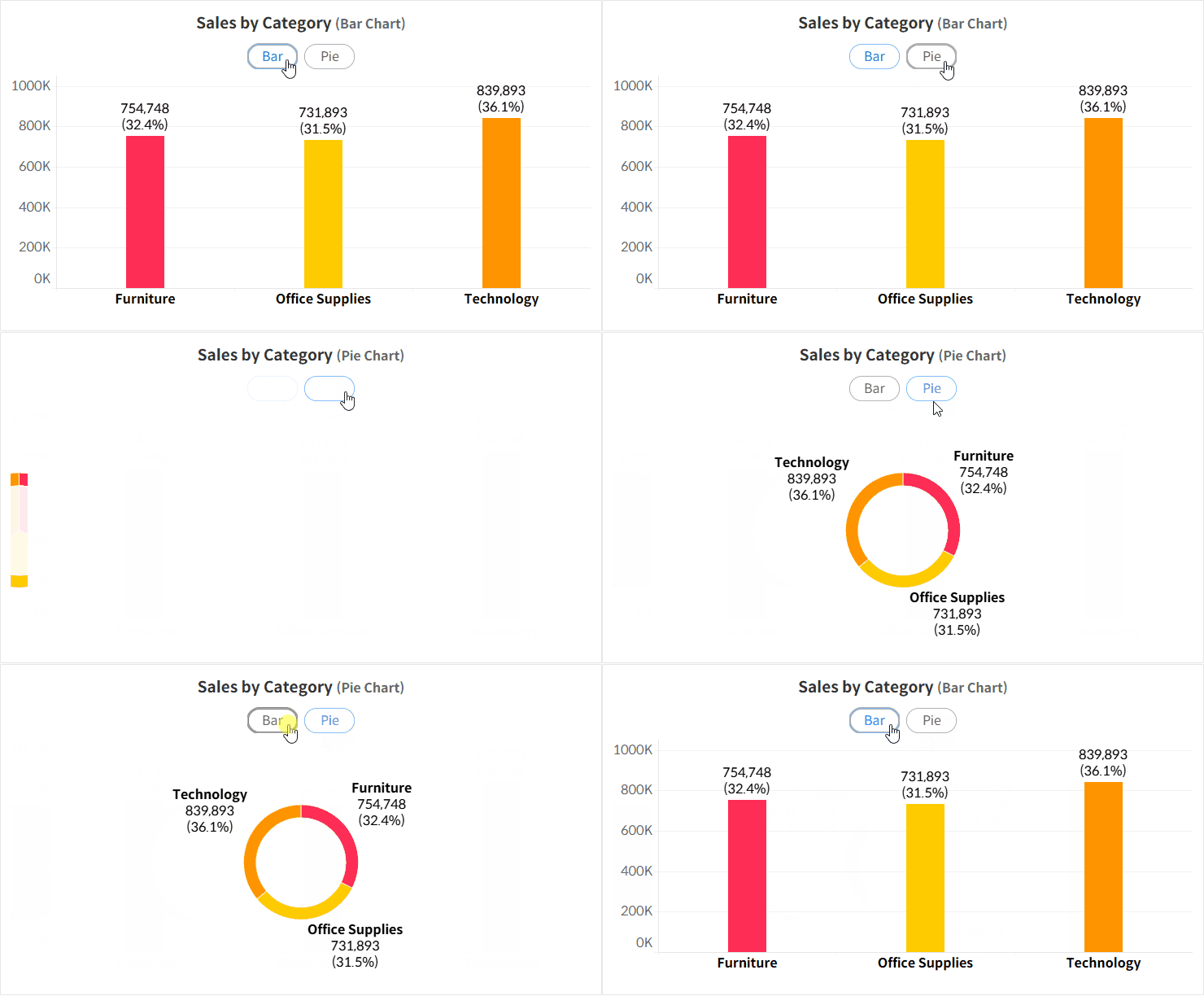
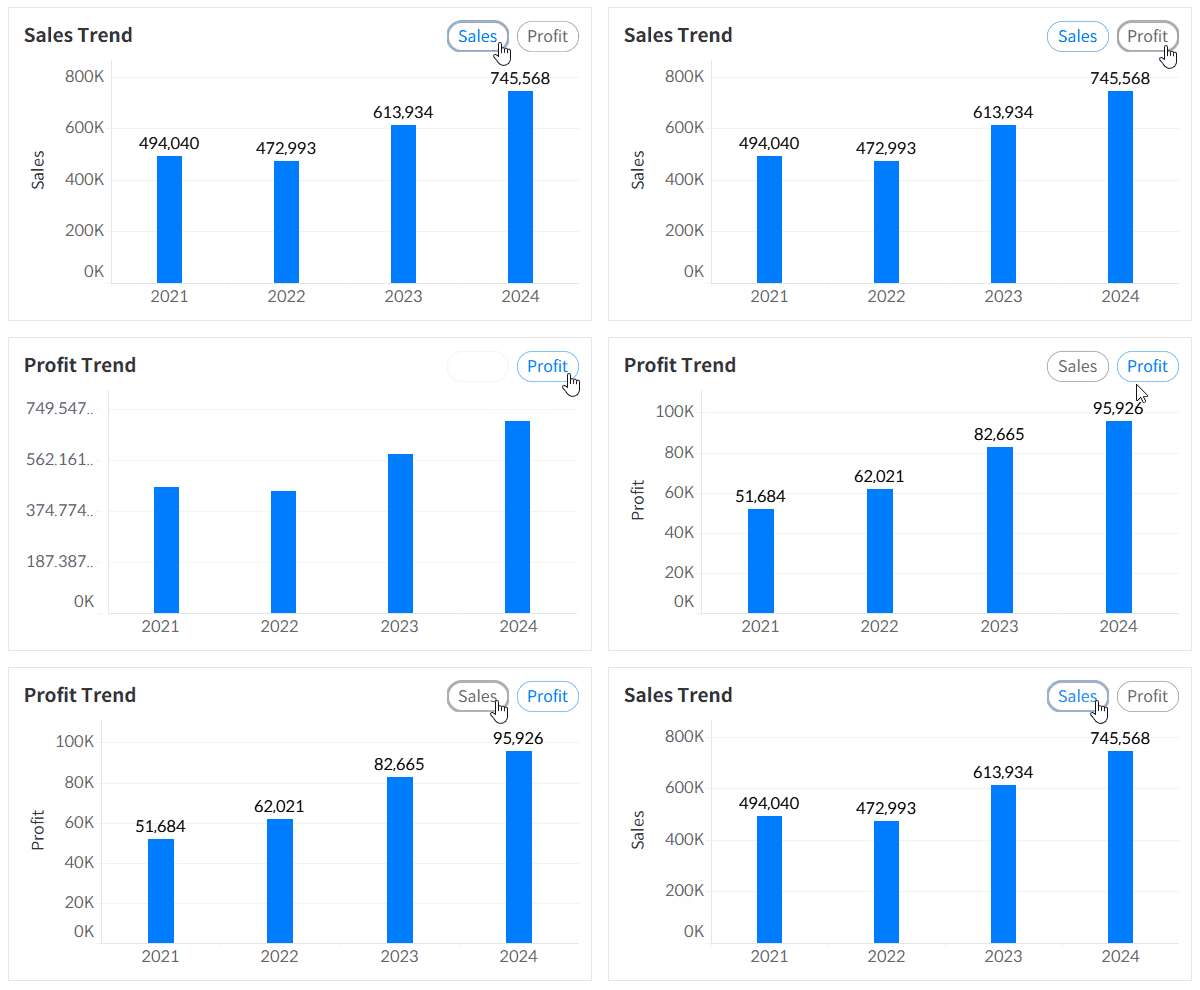
Members only Tips & Tricks How to Switch Between Sheets Using Buttons in Tableau This tutorial shows you how to create a toggle button that lets users switch between two different sheets, displaying different chart types based on their selection.
Tips & Tricks How to Merge Header Cells in Tableau This guide covers how to merge header cells, a common challenge when moving Excel-based documents into Tableau.
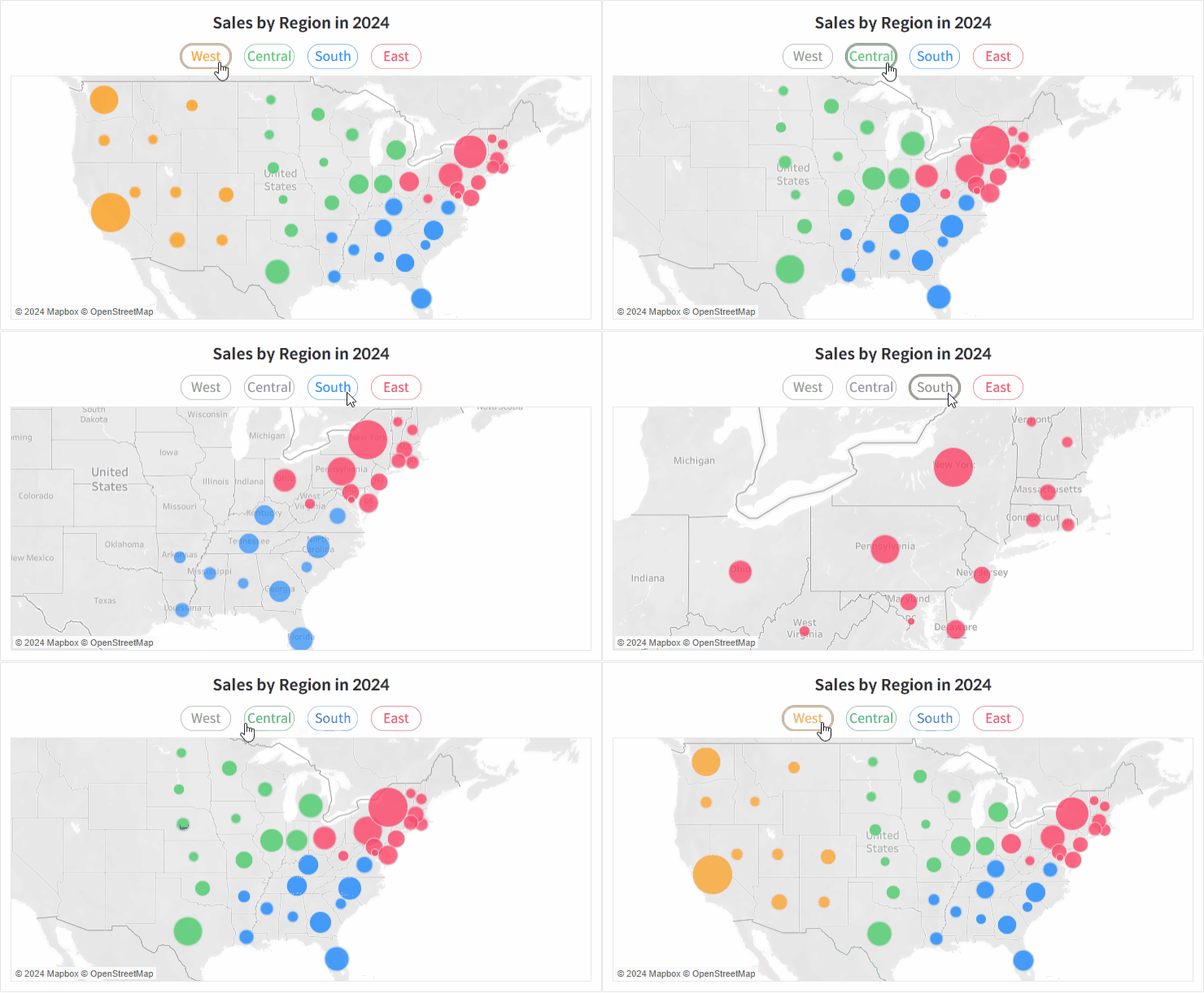
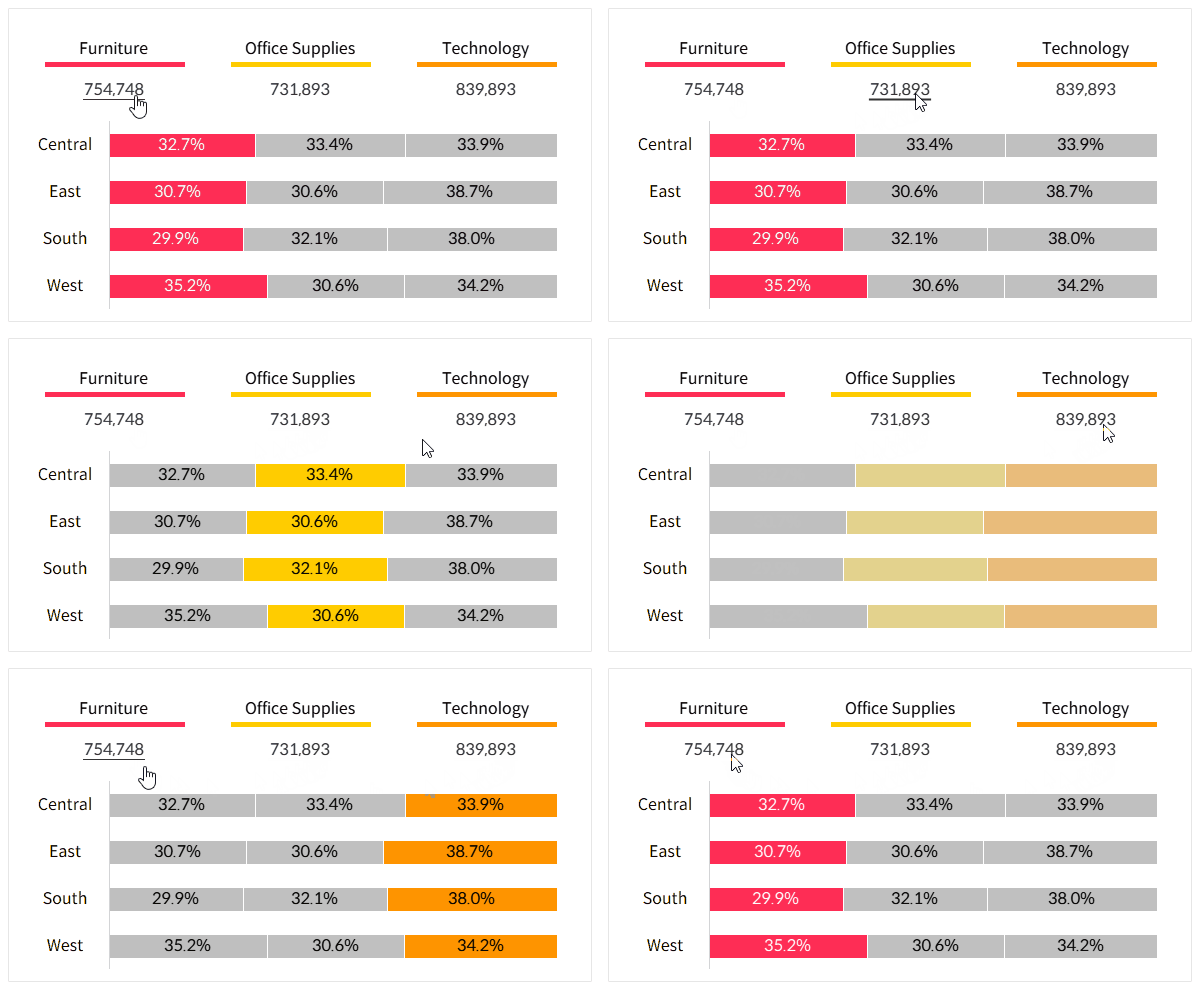
Tips & Tricks How to Create Parameter Buttons in Tableau This approach helps improve the limited parameter UI, making it more intuitive and user-friendly.
Tips & Tricks How to Disable Selection Highlighting in Tableau This is how you can prevent the blue shading highlight that appears when selecting a specific area on a dashboard for interaction.
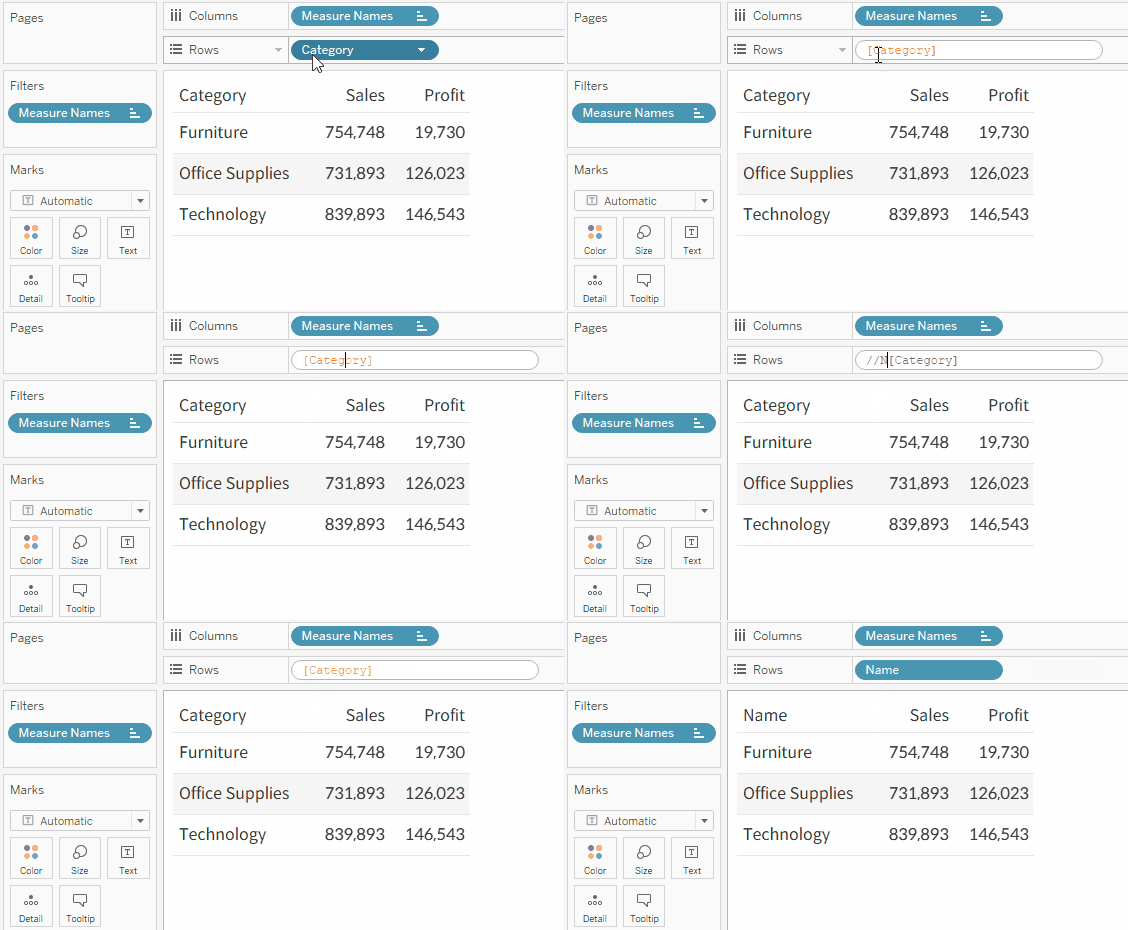
Tips & Tricks How to Change or Rename the Dimension Header This is a method you can use when you want to change the dimension header in a view without changing the dimension name in data source.